
Prescription management
Every optical detail. With the right person.
Keep OD, OS and prescription values connected to the customer record.
Explore the yearly plan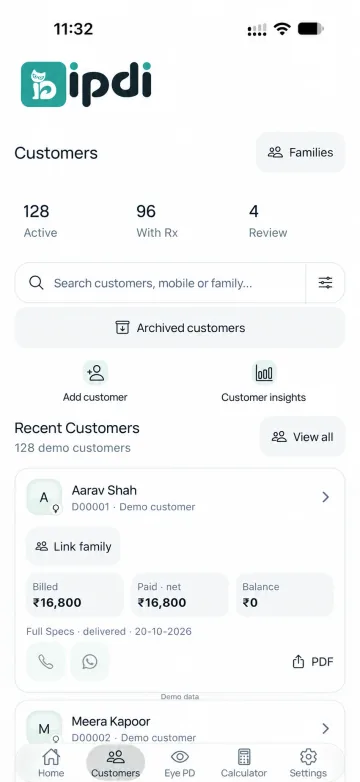
Keep right and left distinct.
Organize OD and OS in the appropriate eye record.
Keep signs and units clear.
Work with SPH, CYL, AXIS and ADD fields where supported in the release.
Start with the customer.
Find the correct person before reviewing optical details or creating the next bill. Optical tools do not replace professional judgement.
What do OD and OS mean in the interface?
OD labels the right-eye panel and OS labels the left-eye panel.
Which prescription values are shown?
The optical workflow includes SPH, CYL, AXIS and ADD fields where supported by the current app release.
Does this website recommend a prescription?
No. It explains record organization and provides an arithmetic demonstration, not a prescription or clinical assessment.
YOUR SHOP. YOUR NEXT CHAPTER.Make room for
Make room for
a clearer working day.
Tell us about your optical shop.
We’ll help you explore the upcoming release.